Built for the Modern Enterprise
FreeVM HCI delivers enterprise-grade capabilities with unmatched simplicity. Our unified platform eliminates complexity while maximizing performance.
Unified Compute
Scalable compute resources with intelligent load balancing and automatic failover. Run KVM virtual machines of any size, and host container management systems (Kubernetes, Docker, Podman) inside those VMs.
Distributed Storage
Software-defined storage with inline deduplication, compression, and erasure coding. Achieve sub-millisecond latency at any scale.
Network Virtualization
Built-in NSX-style networking with micro-segmentation, load balancers, and distributed routing. Zero-trust security by default.
High Availability
Active-active clustering with automatic failover. Non-disruptive upgrades and live migration for zero-downtime operations.
Unified Management
Single management interface for the entire infrastructure. AI-powered optimization recommendations and predictive analytics.
Security First
Hardware-rooted secure boot, encrypted VMs, and compliance-ready audit logging. FIPS 140-2 certified cryptography.
Powerful Management Interface
Intuitive dashboards and controls for complete infrastructure visibility. Every FreeVM HCI capability is exposed through a unified control plane.
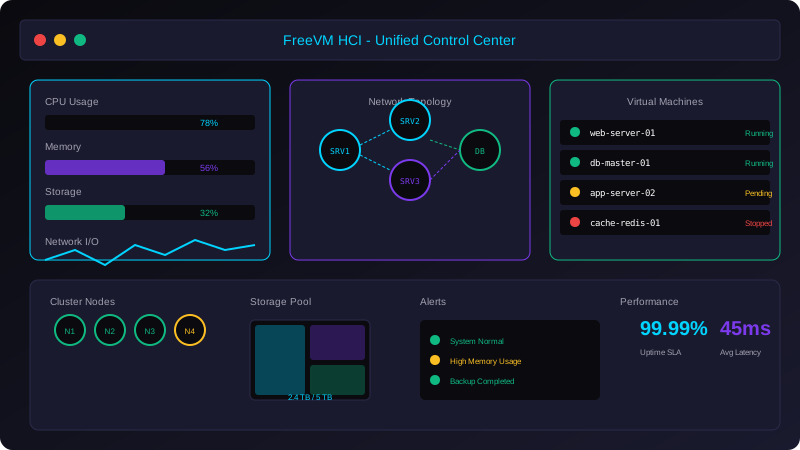
Unified Control Center
Centralized management for all infrastructure components.
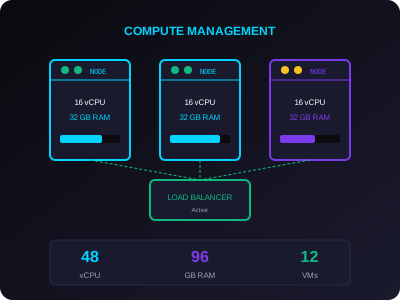
Compute Management
Real-time resource monitoring and allocation.
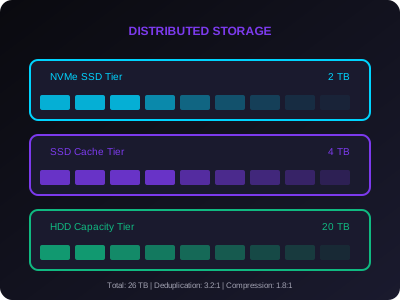
Storage Analytics
Intelligent data tiering and optimization.
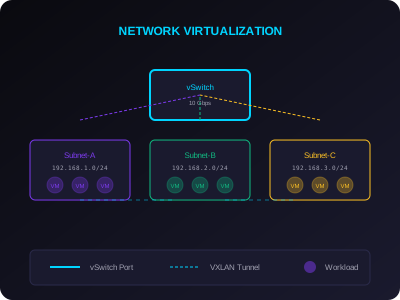
Network Virtualization
Software-defined networking with security.
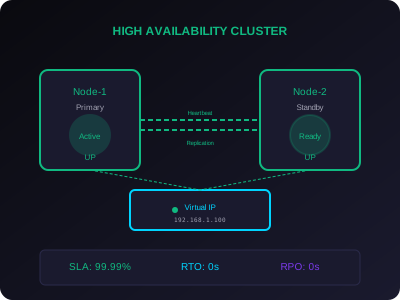
HA Clustering
Automatic failover and load balancing.
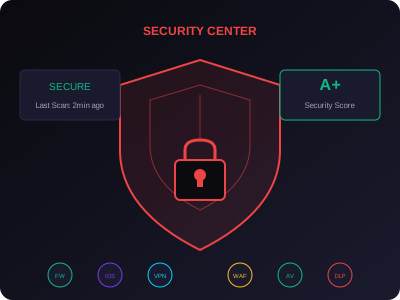
Security Center
Enterprise-grade protection and compliance.
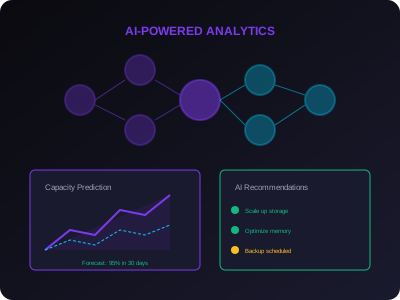
AI Cards Support
GPU passthrough and AI workload support.
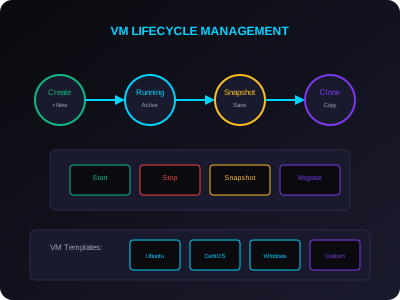
VM Lifecycle
Complete VM management automation.
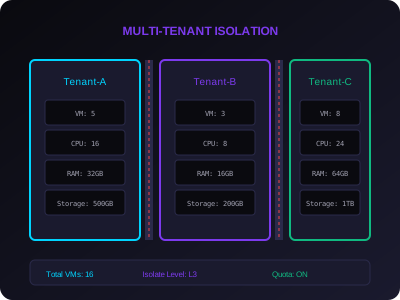
Multi-Tenant
Secure tenant isolation and quotas.
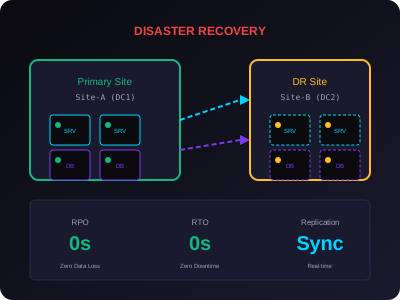
Disaster Recovery
Business continuity guaranteed.
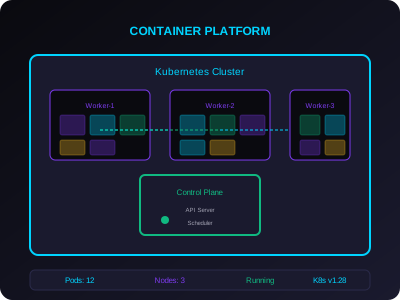
Container Management as VMs
Run Kubernetes, Docker, and other container platforms inside FreeVM virtual machines.
Decentralized Peer Architecture
A decentralized design with no central management node — every compute node is a peer, and any one of them can host the control plane and serve the web console.
No Central Management Node
There is no dedicated management server. The control plane runs on every node in the cluster, so there is no single point of failure and no management-server license to track.
Peer-to-Peer Cluster
Every compute node is a peer. Each node contributes compute, storage, and cluster services to the shared pool, and any node can be lost without taking the cluster down.
Any Node Can Manage
Point your browser at any node's IP and you reach the same web console — the management UI is replicated across the cluster and quorum-elected in real time.
Advanced Security Protection
Comprehensive security solutions to protect your infrastructure from modern threats.
Firewall
Next-generation firewall with deep packet inspection, application-aware filtering, and real-time threat intelligence integration.
- Stateful packet filtering
- Application-layer filtering
- Threat intelligence sync
- Automated response
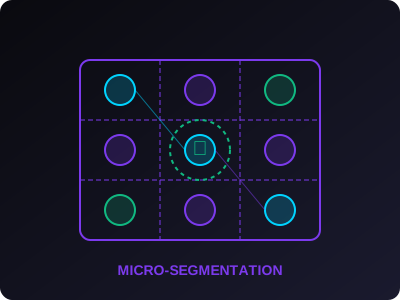
Micro-Segmentation
Zero-trust network isolation with granular workload-level policies. Prevent lateral movement and contain breaches.
- Workload-based policies
- East-west traffic control
- Identity-based access
- Automated policy generation
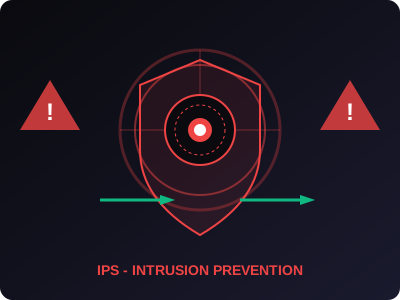
IPS (Intrusion Prevention)
Real-time threat detection and prevention with signature-based and behavioral analysis. Block known and unknown attacks.
- Signature-based detection
- Anomaly-based detection
- Automatic blocking
- Attack correlation
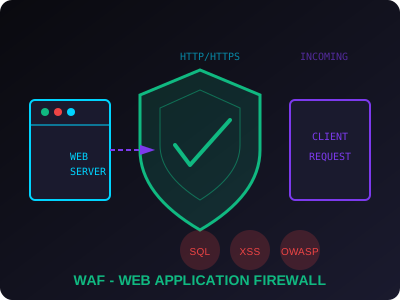
WAF (Web Application Firewall)
Protect web applications from OWASP Top 10 threats. Intelligent request analysis and automatic rule generation.
- OWASP protection
- SQL injection prevention
- XSS protection
- Bot mitigation
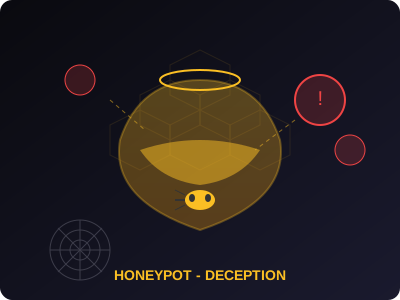
Honeypot
Deception technology to detect, deflect, and study attacker behavior. Deploy realistic decoys across your infrastructure.
- Realistic decoy systems
- Attacker engagement
- Early threat detection
- Attack pattern analysis
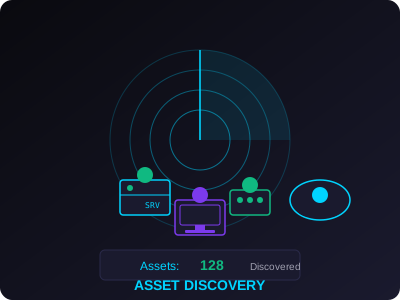
Asset Discovery
Continuous discovery and inventory of all IT assets. Track changes, monitor configurations, and maintain compliance.
- Automatic discovery
- Real-time inventory
- Configuration tracking
- Compliance reporting
Comprehensive Security for Modern Infrastructure
All security modules are integrated into FreeVM HCI and can be enabled based on your requirements.
Native Support for vmdk, qcow2, and img
FreeVM HCI natively supports the most widely used virtual machine disk formats — vmdk, qcow2, and img — so existing virtual machines can be imported directly without manual conversion. Additional formats including VHD, VHDX, OVA, OVF, and raw disk images are also supported for broad migration coverage.
vmdk Format
Native import of vmdk virtual disk files. Point FreeVM HCI at an existing vmdk image and the VM is registered and bootable on the cluster in minutes — no manual conversion step required.
- Direct vmdk disk import without conversion
- Sparse and flat vmdk variants supported
- Native config import alongside vmdk disks
- Preserves original disk UUIDs and metadata
qcow2 Format
The native KVM disk format, supported end-to-end. qcow2 images import directly and benefit from copy-on-write semantics, snapshots, and compression when used on FreeVM HCI storage.
- Native qcow2 v1, v2, and v3 support
- Copy-on-write and snapshot-aware
- Backing-file chains honored on import
- Compression and encryption flags preserved
img / raw Format
Raw disk images (img) are imported directly and registered as block devices. Useful for cloud images, dd-style backups, and any source that produces a bit-for-bit disk copy.
- Direct raw / img import without conversion
- Bit-for-bit disk copies preserved
- Cloud-init image compatibility
- Block-level access for high-I/O workloads
Additional Formats
Beyond vmdk, qcow2, and img, FreeVM HCI also imports VHD, VHDX, OVA, and OVF packages. Mixed-format environments can be consolidated onto a single FreeVM HCI cluster.
- VHD and VHDX disk import
- OVA and OVF portable package import
- Mixed-format clusters supported
- Format conversion on demand
Container Management as VMs
FreeVM HCI does not include a built-in container runtime. Container management systems — Kubernetes, Docker, Podman, OpenShift, Rancher, and others — run as standard KVM virtual machines on the cluster, so existing container tooling and operations work without modification.
- No built-in container runtime inside FreeVM HCI
- Run any container platform (K8s, Docker, Podman) as a guest VM
- Containers and VMs share the same network and distributed storage
- Live migration, HA, and snapshots apply to container-host VMs
- Existing container manifests and Helm charts work unchanged
Linux & Windows Guests
All common guest operating systems boot from any of the supported disk formats. Linux distributions (RHEL, Debian, Ubuntu, Rocky, Alma) and Windows Server / Windows 10 / 11 are first-class.
- RPM- and DEB-based Linux distributions
- Windows Server 2016 / 2019 / 2022 / 2025
- Windows 10 and 11 desktop guests
- VirtIO drivers for high-performance I/O
From Existing Disk Image to Running VM in Minutes
FreeVM HCI keeps the import path simple. Point the cluster at a vmdk, qcow2, or img source and the VM is registered, networked, and bootable without leaving the control plane.
Step 1 — Point at the Source
Provide the path to a vmdk, qcow2, or img file on a network share, attached storage volume, or HTTP endpoint. FreeVM HCI streams the image into the cluster without a separate conversion tool.
Step 2 — Register and Configure
The image is registered as a new VM. CPU, memory, network, and storage policies are assigned from the cluster templates. Guest tools and drivers are injected automatically where supported.
Step 3 — Boot and Verify
Power on the VM. Live migration, high availability, snapshots, backup, and replication are all immediately available — the new VM is a first-class member of the cluster from the first boot.